Open the Spydr toolbar by clicking the small tab at the top of the screen.
Select a tool, adjust tip size, color and opacity, then draw or erase.
Each tool remembers its settings and has its own keyboard shortcut.
==========
Spydr is used for tactical planning, tracking clues, and similar tasks.
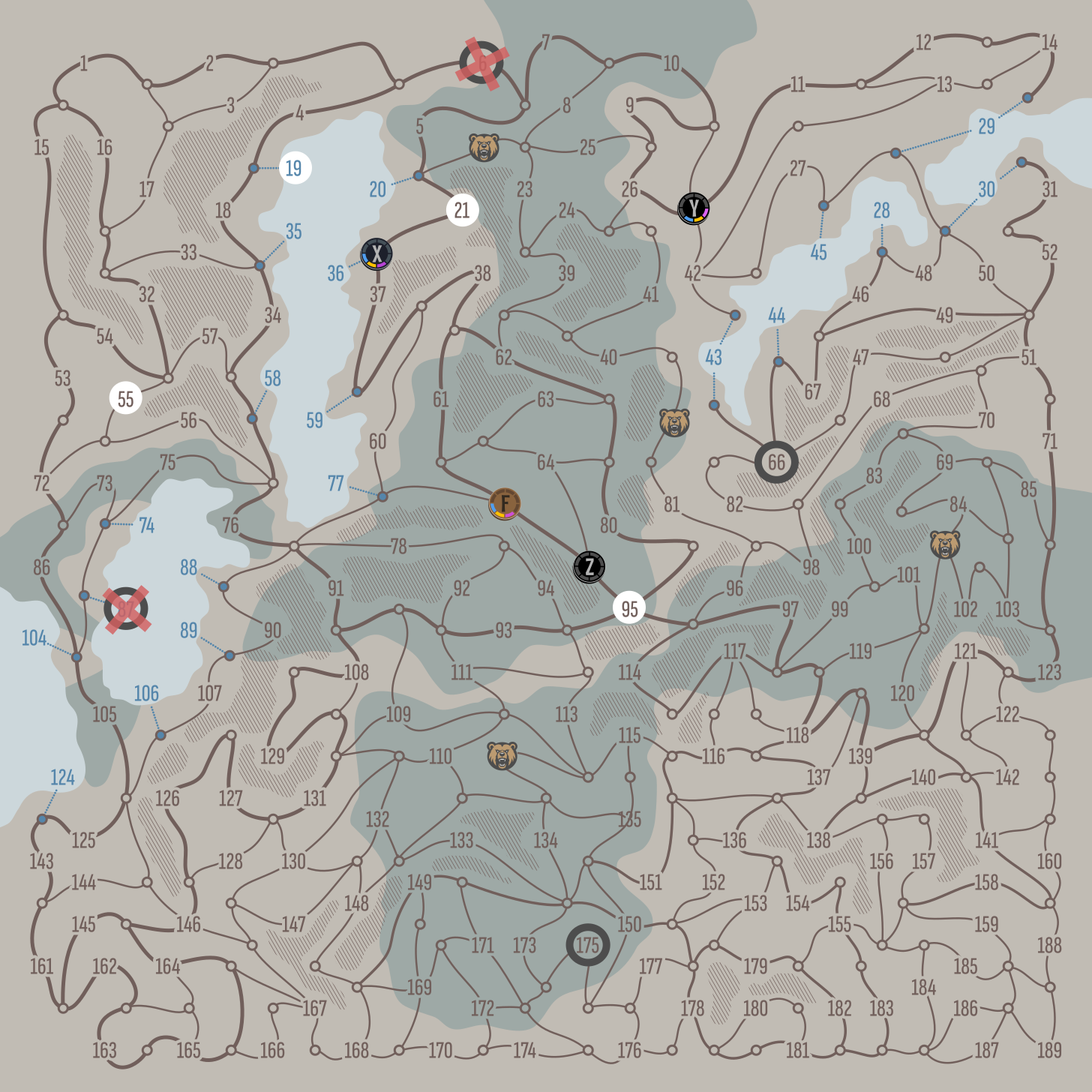
It appears as an overlay above the game map and can be toggled on or off at any time.
In team play, it is recommended to assign one player to operate Spydr throughout the game.